
Presentations: New “Styles in Basket” filter & Clearer handling of "Ordered Styles" for Moodboards, Manage labels directly from the PDP, and More
1769147233539
Here are the latest updates to the DSR app.
HIGHLIGHTS OF THE RELEASE
New “Styles in Basket” filter for Moodboards
You can now quickly add only styles that already have quantities to your Moodboard.
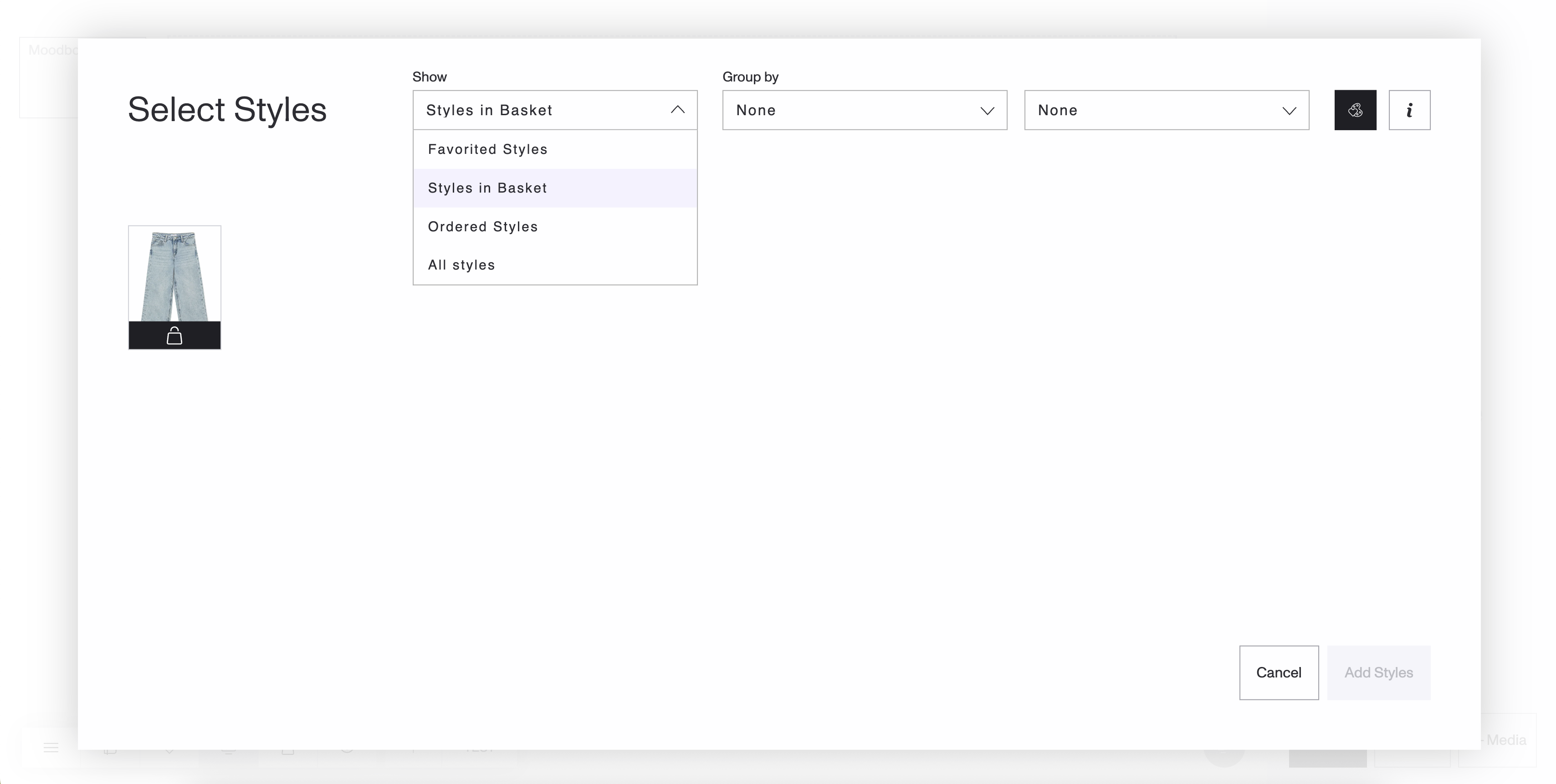
A new “Styles in Basket” option is available in the Show dropdown when adding styles to a Moodboard.
This view displays only styles that are already added to a basket (marked with the basket icon).
If no styles have quantities yet, you’ll see an empty state message guiding you to add quantities first. (‘Add quantities to your styles to list them here.’)
Favorited Styles remains the default selection.
Clearer handling of Ordered Styles in Moodboards
We’ve simplified how ordered styles are shown when adding styles to a Moodboard.
The Ordered styles toggle has been removed.
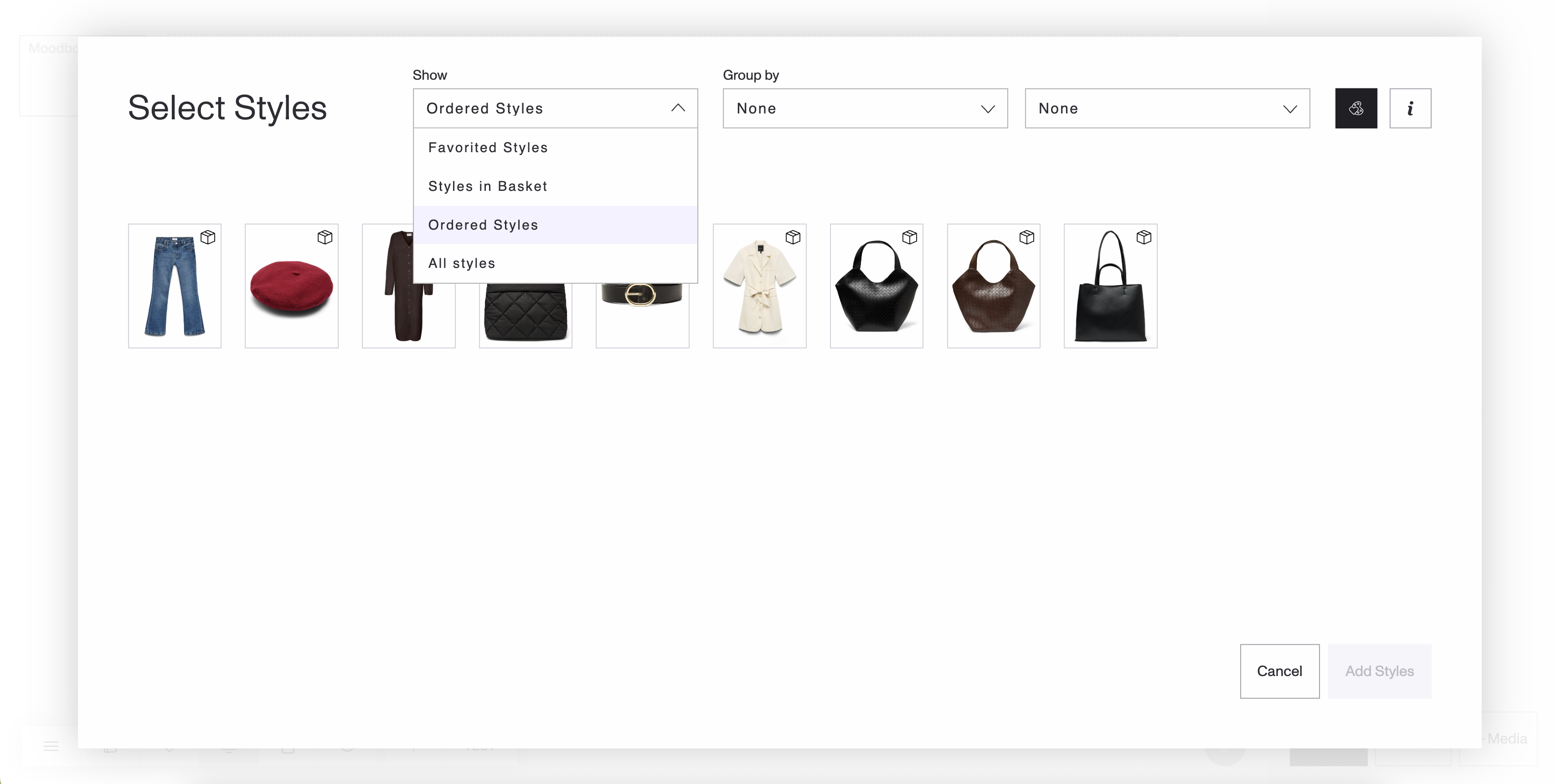
A new “Ordered Styles” option has been added to the Show dropdown.
Selecting Ordered Styles displays only styles that have been ordered from any basket.
Ordered styles are no longer mixed into Favorited Styles or All styles views.
This keeps each view focused and avoids confusion between favorited, basket, and ordered items.
Manage labels directly from the PDP
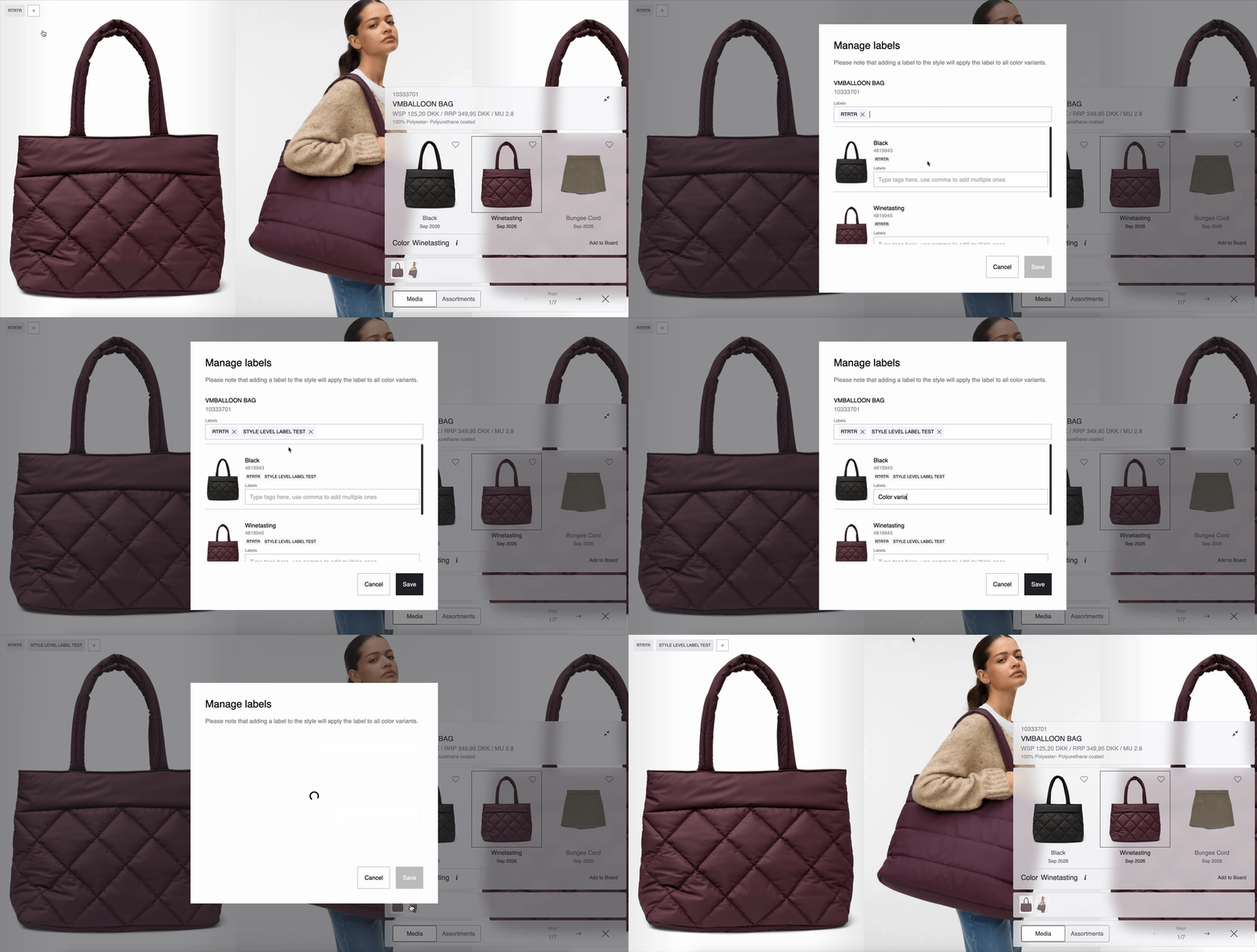
You can now manage labels without leaving the PDP.
A persistent “+” button is available on the PDP
Use it to add, edit, or remove labels for styles and color variants instantly.
The button is always visible, making label management faster and more accessible.
Export labels as CSV
Labels can now be exported more easily.
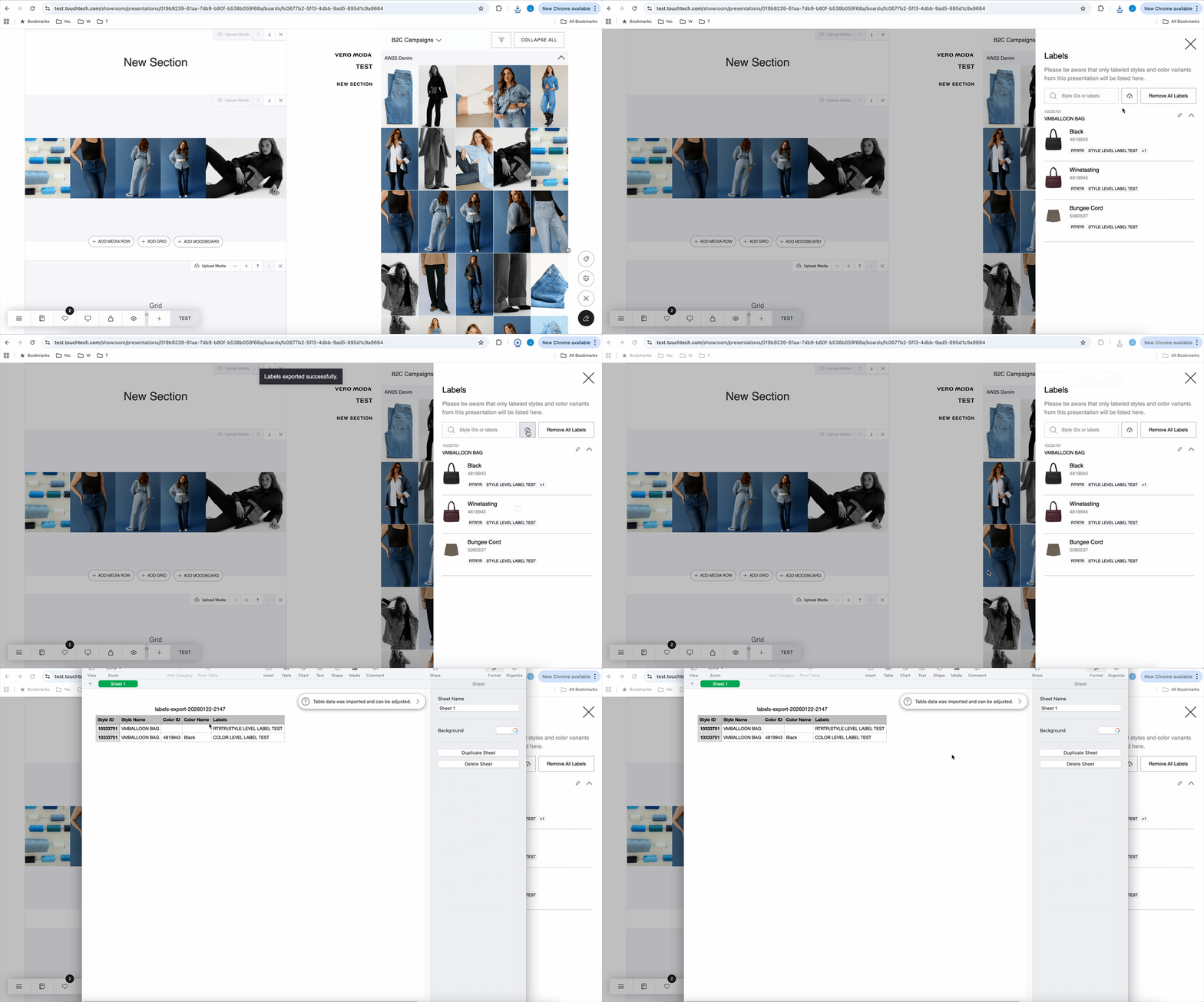
A new CSV export button is available in the Labels side panel when editing a Board.
Exports all visible labels into a CSV file that opens cleanly in Excel.
Only items with labels are included, keeping the export tidy.
The button is disabled when no labels are present.
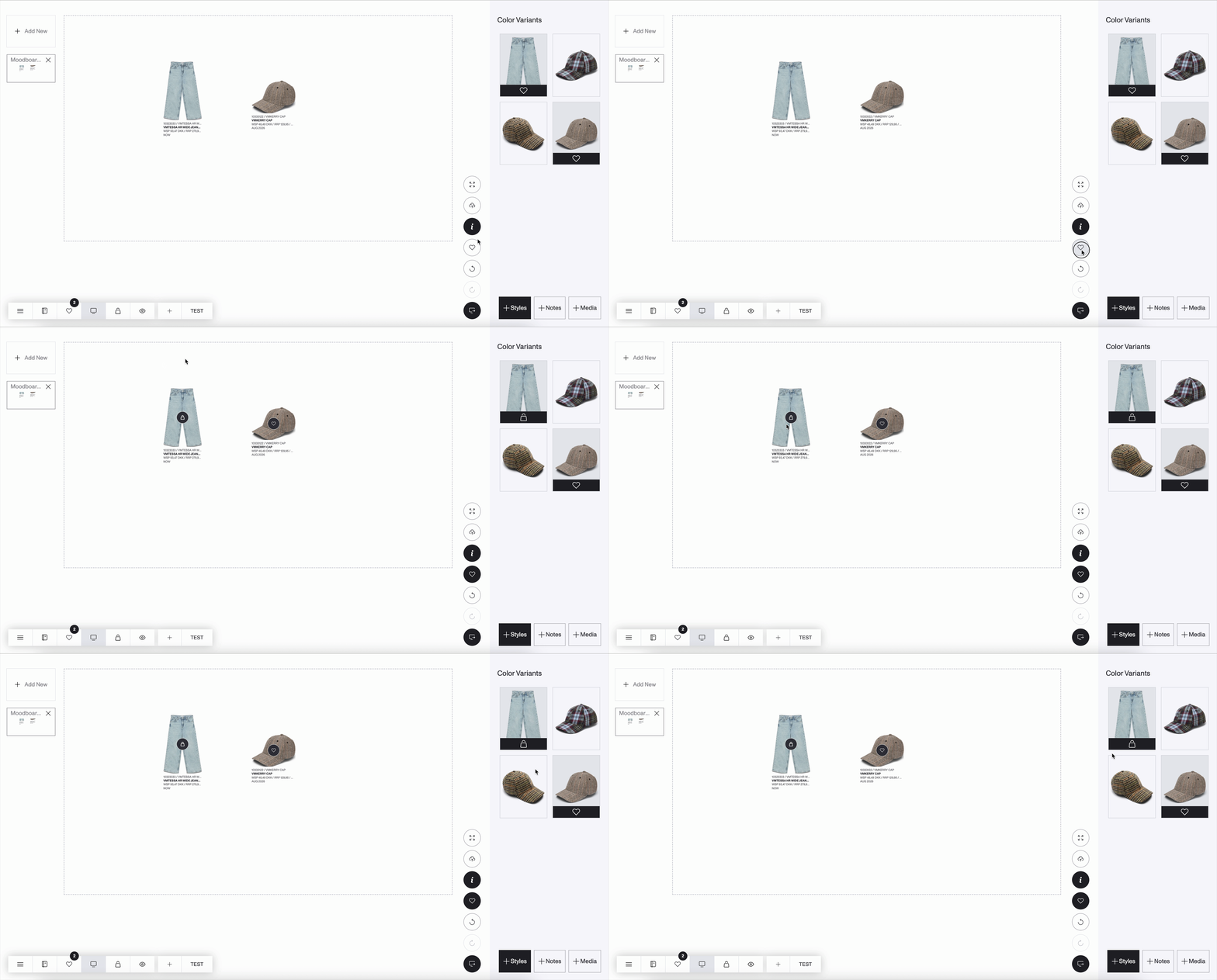
Better visual clarity for favorited items already in basket
In Moodboards, we’ve improved how icons are displayed in Favorites mode.
When a favorited color variant is also present in any store’s basket, it now shows a basket icon instead of the heart icon.
This makes it easy to see at a glance which favorited items have already been added to a basket.
Fixes & Refinements
Fixed sorting of presentation names so uppercase and lowercase letters are sorted correctly together.
Fixed an issue when removing shared users from a presentation, even if they already have a Touchtech account.
